
Website Redesign Without Breaking Important Links
Inventory the existing website first
Before changing a page structure, collect the URLs people already use. Review the navigation, sitemap, important landing pages and links used in email signatures or campaigns. Note what each page does for the business. A redesign can change the appearance while keeping a useful URL, so do not rename pages simply to make them look new.
Map every changed URL to a relevant destination
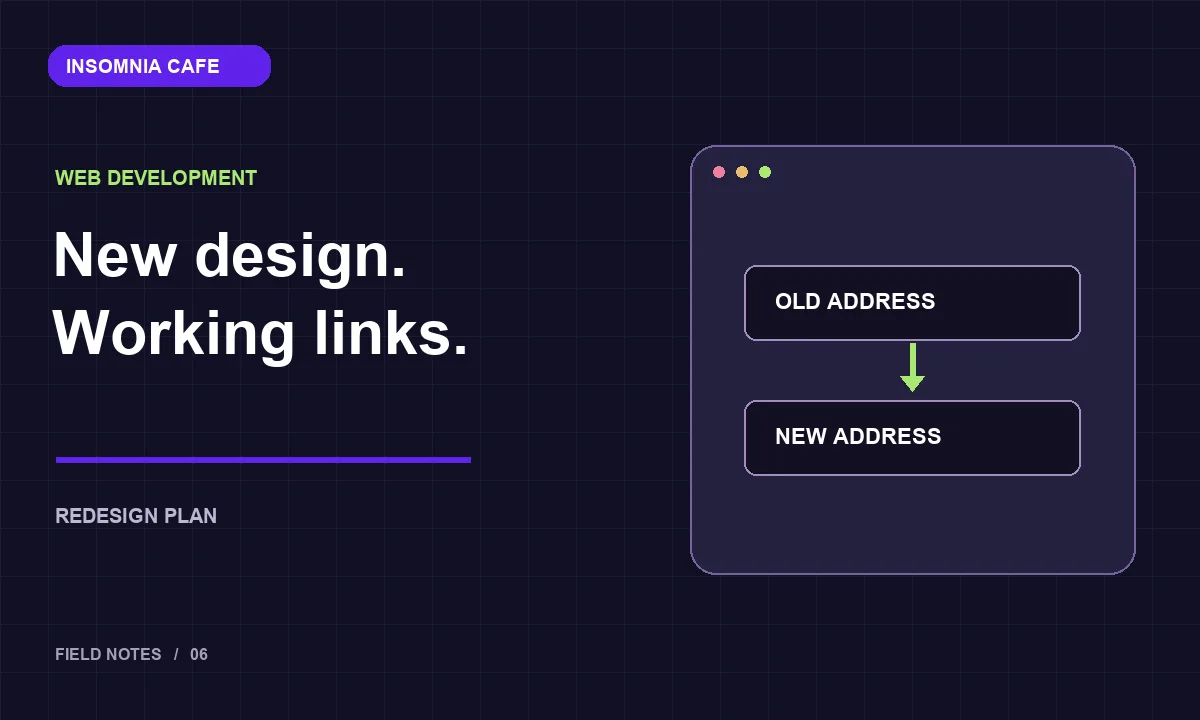
Create a spreadsheet with the old address, new address and reason for the change. If a service page moves, send visitors to the replacement service page rather than the homepage. If no suitable replacement exists, review whether the content should be retained or intentionally removed. Do not disguise a missing page with an unrelated destination.
Build and test redirects
For a permanent URL change, use a permanent server-side redirect. Point it directly to the final destination instead of building a chain through several old addresses. Check the status code and destination, then open the result in a browser. Google’s site migration guidance covers URL mapping and redirects in more detail.
Update the links you control
Fix menus, buttons, article links and sitemap entries so they use the new address directly. Check canonical URLs and social sharing information too. Test enquiries, sign-in and purchase flows separately; a successful redirect does not prove that a form or checkout still works.
Monitor after launch
Keep a rollback plan and a copy of the URL map. Review not-found errors and important landing pages after launch, then correct problems while the context is fresh. A redesign is complete when visitors can finish their tasks, not just when the new homepage is visible.


Comments ( 00 )
Write a Comment